
Search Appleton Recent Bookings
Appleton recent bookings usually begin with the city police department and then move to Outagamie County if the arrest leads to jail. That is the normal public trail in Appleton. The police department handles the city arrest side, the county sheriff handles the custody side, and the municipal court may show the city case path. If you need to find a name fast, this city page keeps the search route short and tied to the official Appleton and Outagamie sources in the research.
Appleton Recent Bookings Overview
The Appleton Police Department serves the city and maintains arrest records for incidents within city limits. The main department page at appleton.org/departments/police-department is the first local stop. Its records page at appleton.org/departments/police-department/records explains how to request police reports and arrest records. That makes Appleton recent bookings easier to trace because the police report and the booking record sit in a clear chain.
Appleton also connects cleanly to county and court resources. The Outagamie County Sheriff's Office at outagamie.org/sheriff gives the broader county custody route, and the Appleton Municipal Court at appleton.org/departments/municipal-court handles city violations. That three-part setup helps when an arrest starts in Appleton but the booking and later charges are handled somewhere else. It keeps the search local without guessing.
Appleton Recent Bookings Search
Start with the Appleton Police Department if the incident happened in city limits. The department overview in the research says it runs patrol, investigative, and support services, along with records and evidence functions. That means a records request can be useful when you need the report behind a booking. The public records page is the better place to ask for the actual report copy, while the main police page helps you find the department's main contact path.
Appleton recent bookings often continue into Outagamie County custody. The county sheriff page is the county resource linked to Appleton arrests in the research. The county jail page at outagamie.org/jail gives the current inmate and booking side, even though the live site may be more limited than a big metropolitan roster. That is still the right county checkpoint for a city arrest that ended in jail.
The statewide court layer still matters. Wisconsin Circuit Court Access at wcca.wicourts.gov is the cleanest next step once a booking becomes a criminal case. The WCCA search helps you track docket entries, hearing dates, and case status across most counties. When Appleton recent bookings move into court, that state tool is the best way to see what happened after intake.
Appleton Recent Bookings Records
Appleton recent bookings records can include arrest reports, incident reports, and custody notes, depending on which office made the record. The police records page is the best place to start when you need the original report, because the research says records and evidence functions support investigations and public requests. If you only need to confirm the arrest, the police department page may be enough. If you need the file itself, the records page is better.
Outagamie County adds the custody layer. The sheriff and jail resources are the local county sources tied to Appleton arrests. When a record leaves the city and lands in the jail, the booking side may show charges, booking time, and custody status. The county court page at outagamie.org/courts can then show the criminal case trail. That is the practical order: police, jail, court.
For the legal frame, Wisconsin's open-records system still governs the request. Wis. Stat. § 19.31 and Wis. Stat. § 19.35 explain why arrest and booking records are generally open to the public. That is useful in Appleton because you may need both a city police request and a county custody lookup before the full picture is complete.
Appleton Recent Bookings Images
This Appleton image comes from the city police department source at appleton.org/departments/police-department.
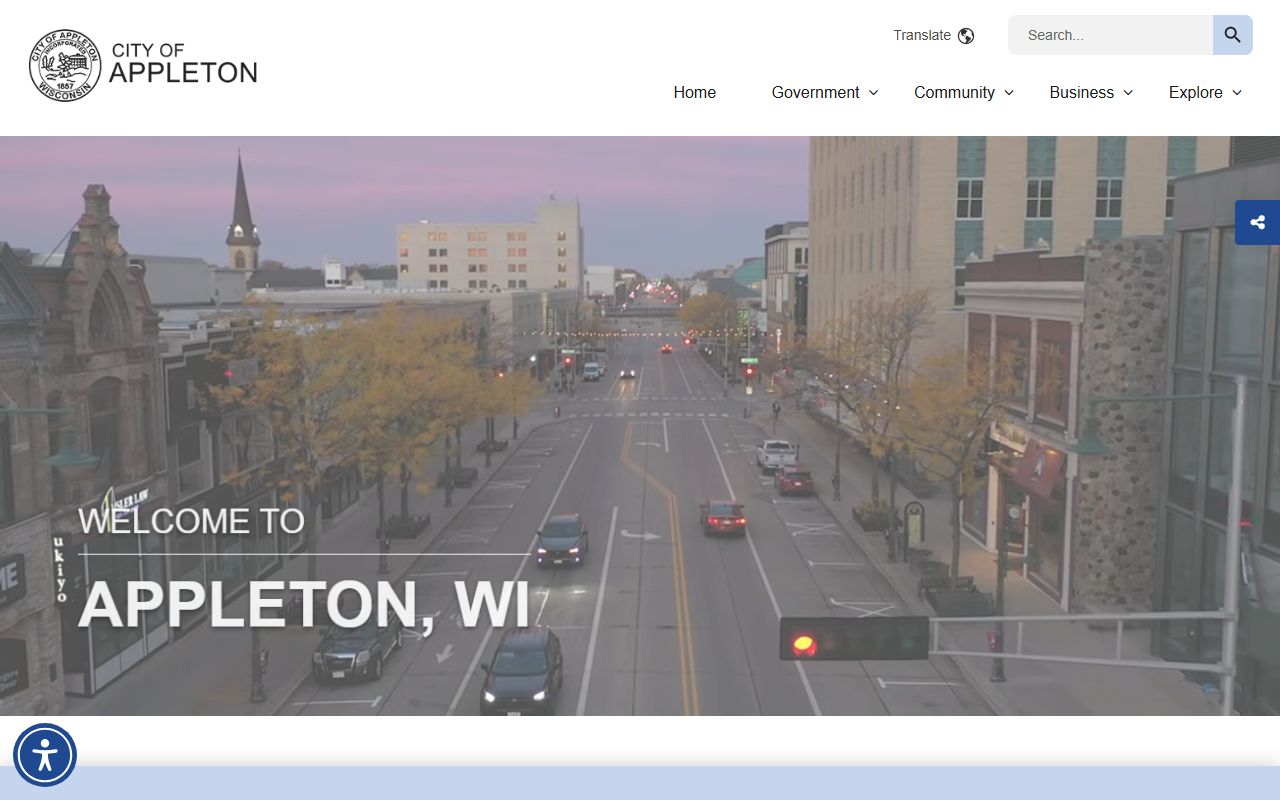
It gives the page a direct visual link to the department that handles the city side of the booking trail.
This second Appleton image comes from the records page at appleton.org/departments/police-department/records.
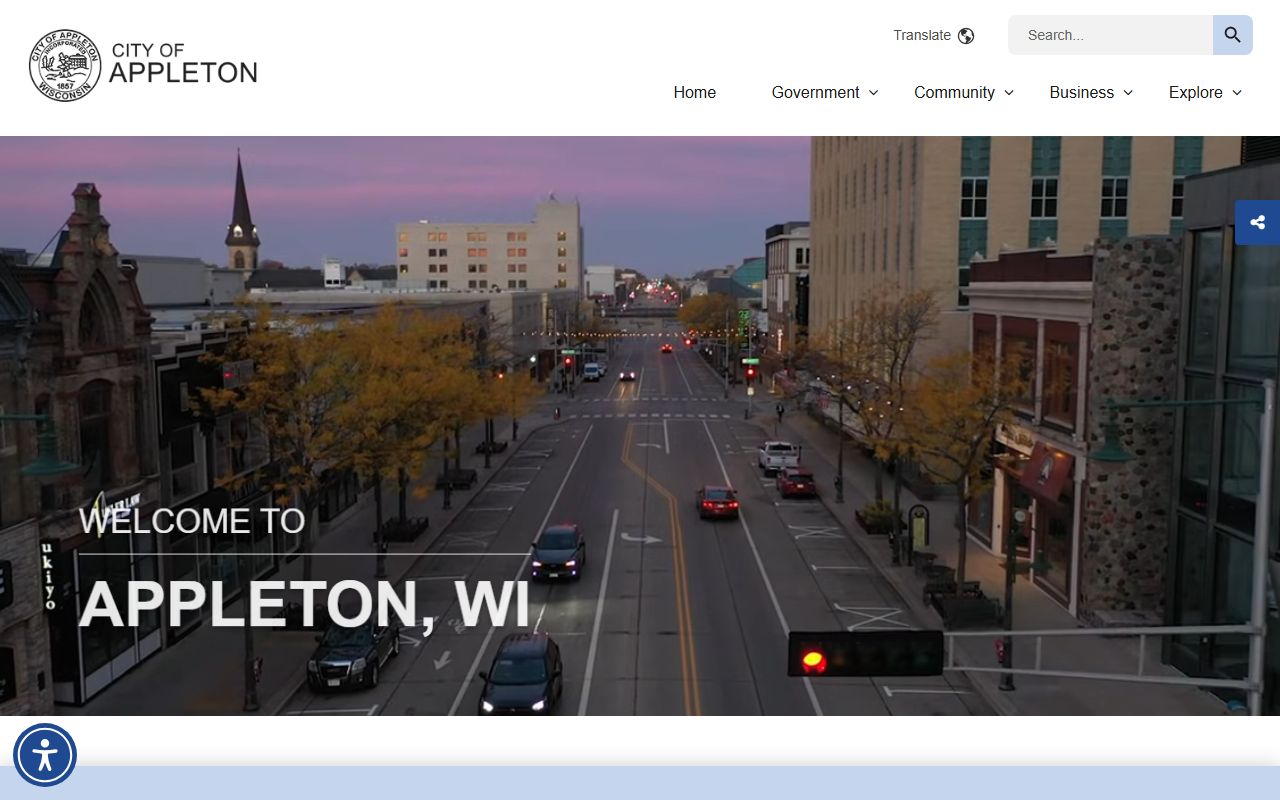
It keeps the page linked to the place where report requests and record follow-up begin.
Appleton Recent Bookings and Court Search
Appleton recent bookings may turn into a municipal court matter or a county criminal case. The municipal court page handles city violations. The county court page and WCCA handle criminal cases and docket history. That is why a city booking search should not stop with police records alone. The charge may live in more than one system.
The department overview in the research also points to community policing, school resource officers, and records and evidence functions. Those details show how broad the department's work is, but the booking search itself still starts with the arrest and custody records. Keep the focus there. Appleton recent bookings are fastest to trace when you follow the same order every time: police, records, county jail, court.
Note: Appleton recent bookings are easiest to follow when you use the police records page first, then the county jail and WCCA if the arrest became a court case.
Appleton Recent Bookings State Help
Appleton searches get easier when you add the statewide tools the research highlights. The DOJ public records law guide helps you shape a clear request for an arrest report or booking copy. If the city office gives you a yes or no answer and you still need more detail, that guide explains the basic process without making you guess at the next step. It is a useful backup for a city page with a real records office.
The research also points to the Wisconsin State Law Library, VINE, CIB, and WORCS. Those resources serve different jobs. VINE helps with custody notices. CIB and WORCS help with broader record checks. The State Law Library gives you official links in one place. For Appleton recent bookings, they are the right backup when the local record is thin or when the booking is already old enough that you need a wider search path.
Wisconsin's open records law still anchors the search. Wis. Stat. § 19.31 and Wis. Stat. § 19.35 explain the access rule that makes arrest reports and booking records public in the first place. When you know that framework, it is easier to understand why the city may hand you one record while the county or court holds the next one.
Appleton Recent Bookings Tips
Appleton searches go faster when you use the department names the way the research gives them. The city police page and records page are separate for a reason. One gives a public entry point. The other gives the records request path. If you are looking for a live booking, go county first. If you are trying to understand an arrest that already happened, pull the police report and then check the county jail or court record.
Appleton recent bookings also benefit from a quick check of the municipal court when you suspect the matter is low-level or tied to city code. If the case went beyond a city matter, WCCA and the Outagamie County court page will tell you. That layered approach keeps you from stopping too early. In a city as active as Appleton, that is often the difference between a partial answer and the right one.